Evan Forrest
Thank for your question! First, you need to know that there are three types of the keyboard cover available for Surface with Windows 8 Pro.
- Surface Touch Cover and Surface Type Cover – these two types of keyboard cover don’t have a built-in battery.
- Surface Power Cover comes with a built-in 30.0 Wh battery. It can be identified with a significantly thicker than other two keyboard covers and additional connector pins.
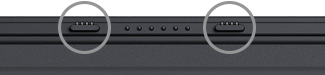
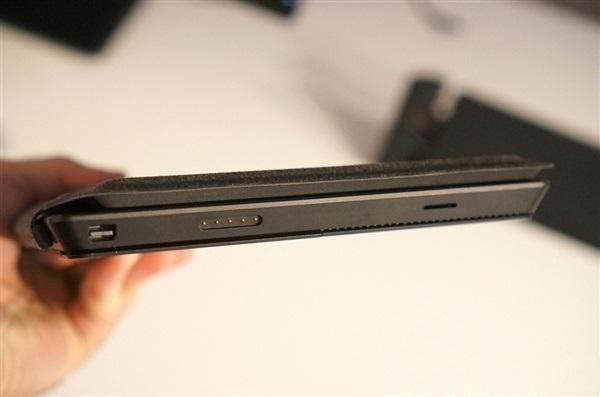
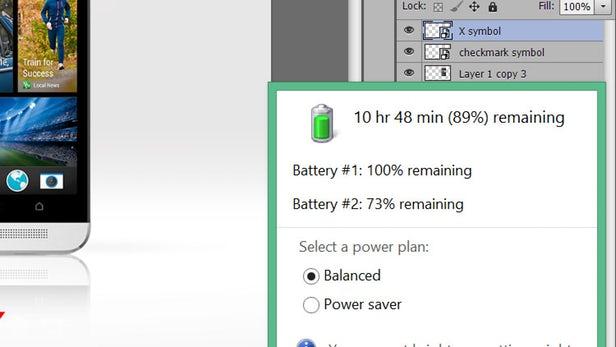
You can check the Surface Power Cover’s battery and charging status (Battery #2) via battery indicator on the Windows taskbar.
References:
- The different types of Surface covers by Microsoft
- Review: Microsoft Surface Power Cover by NewAtlas
September 8, 2018 at 6:42 am
#2330
.




COMMENTS
Share your ideas here!
If you don't have an account on our forums, you can use this comments section to share your issues, solutions, or any ideas related to the “How do i find out if my keyboard battery is charging.” topic.